A practical internet toolkit for work, learning, creativity, privacy, business and everyday life. 100 curated websites — each one explained with use cases, pricing, limitations and alternatives.
You know useful websites exist — but discovering them, testing them, and remembering them takes more time than it should.
Finding the right tool takes too much time. You search, compare, and test — only to start over.
"Free" tools often have limitations you only discover later — after you've already invested time.
Useful websites are easy to discover and then forget. You end up searching for the same tools again.
100 websites organized across 10 practical categories — from AI tools to money-saving hacks.
Research, AI models, presentations, voice generation, music creation and app building.
Tools that help you work faster, automate tasks and simplify everyday workflows.
Image editing, mockups, illustrations, color palettes, fonts and creative tools.
Free courses, academic research, books, learning platforms and study tools.
Coding, debugging, API testing, deployment and technical utilities.
Breach checks, private browsing, secure file sharing and account cleanup.
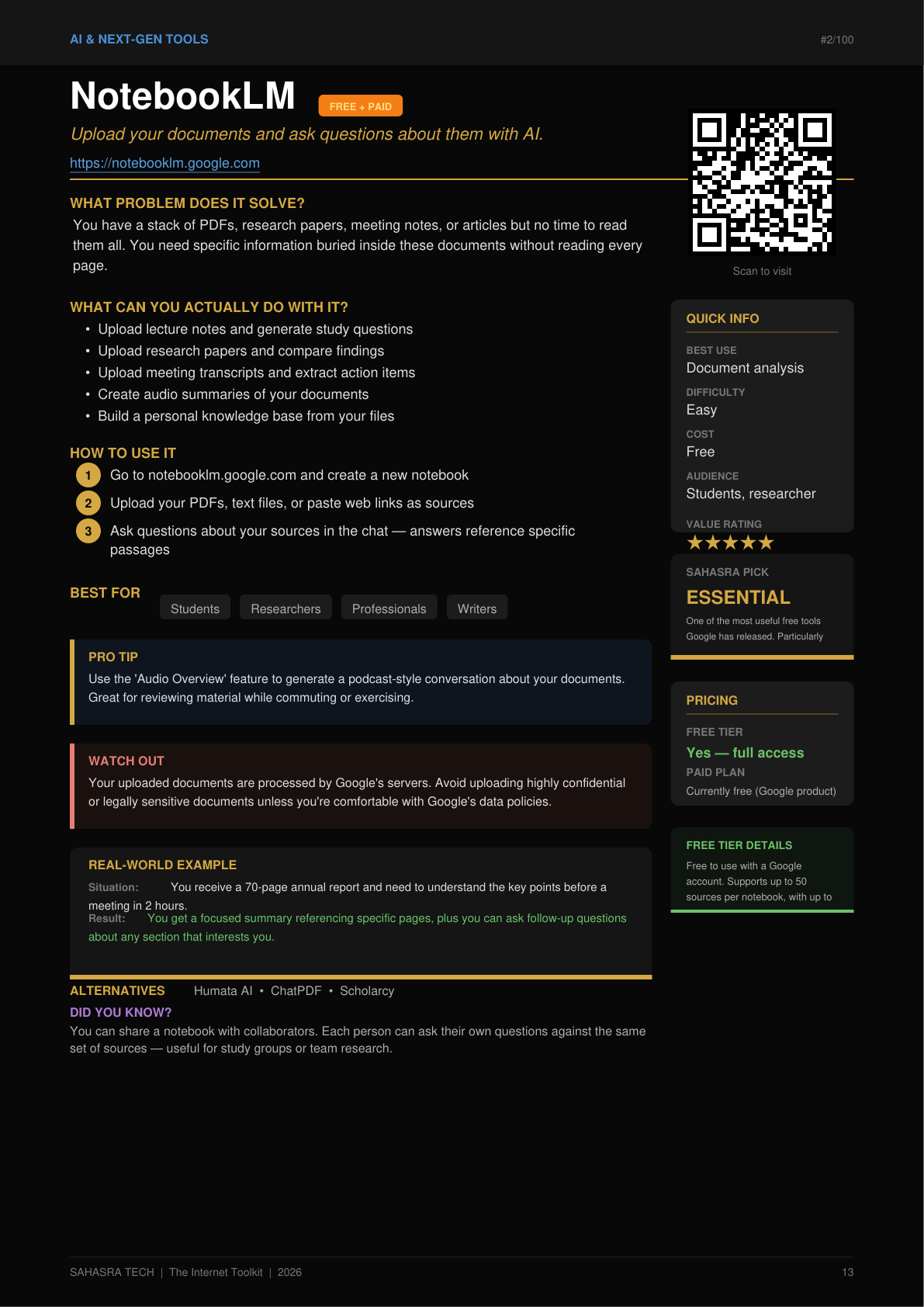
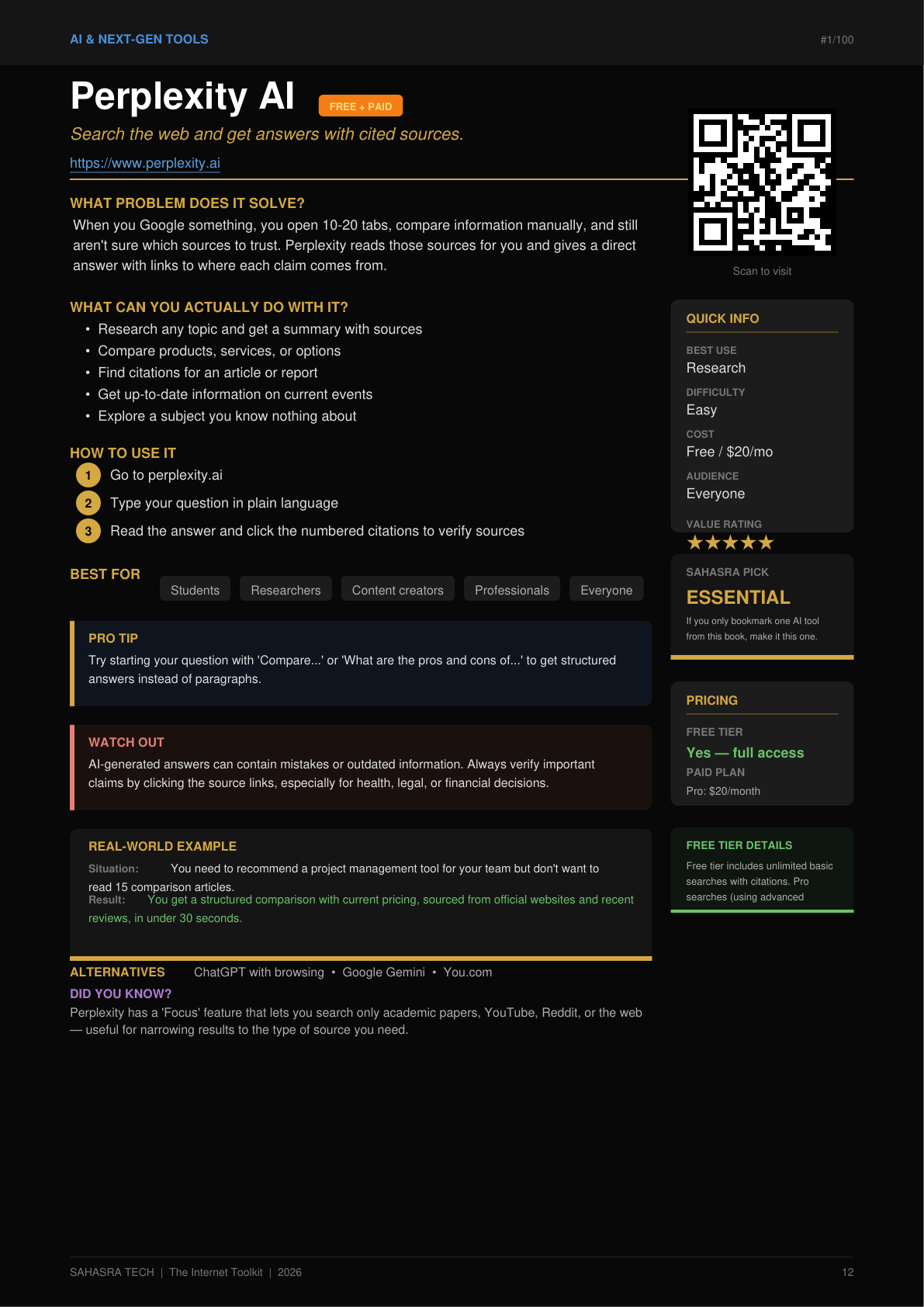
Every website is explained so you know when to use it, how to start, what it costs, what its limitations are, and what to use instead.
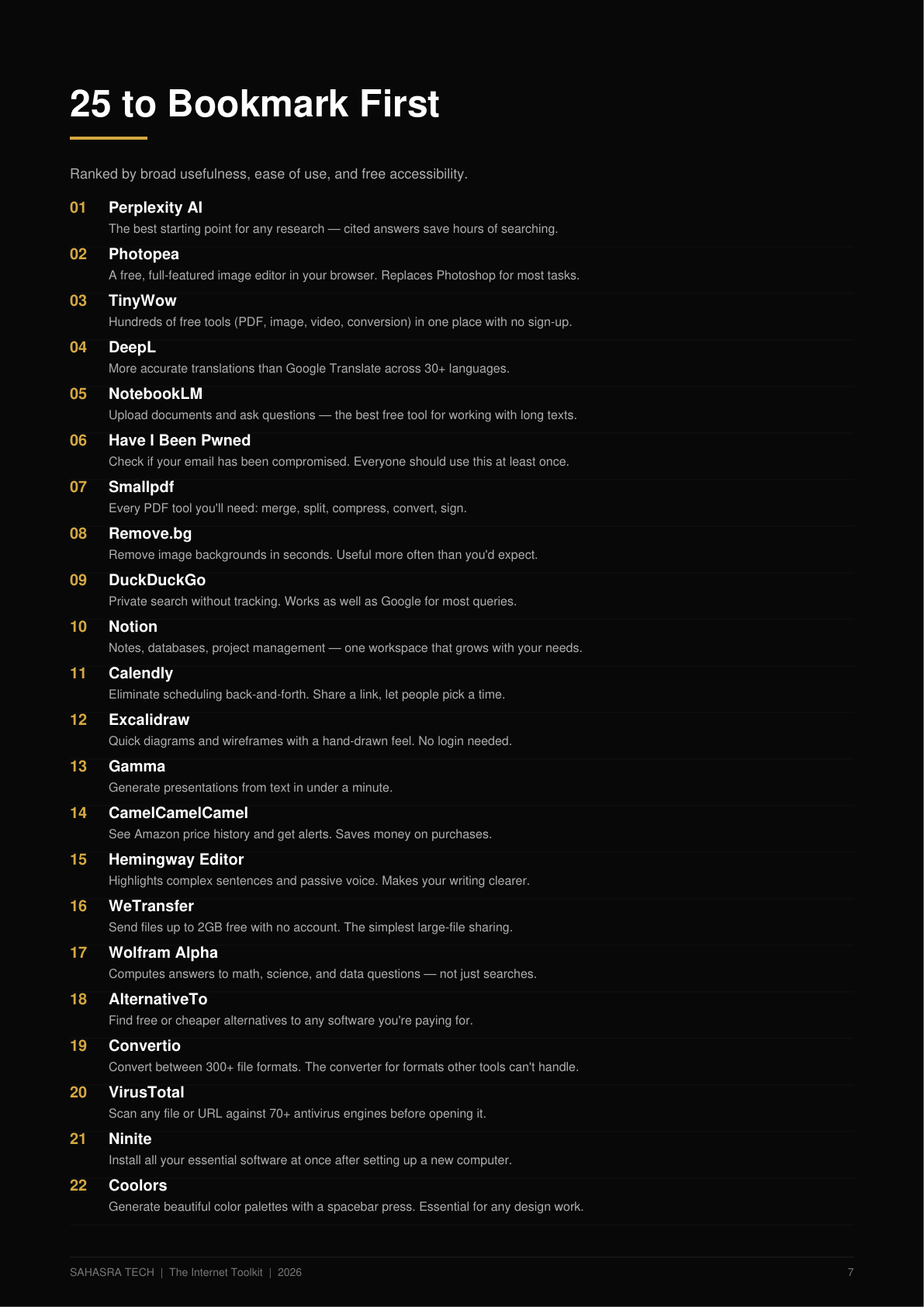
Selected across 10 categories for practical usefulness — not just popularity.
Clear instructions for each website so you can start using it within minutes.
Clear free vs. paid information for every tool. You know the cost before you click.
Know what each tool cannot do before you invest time in it.
Important notes for tools that handle your data or sensitive information.
If one website doesn't work for you, there are other options ready to try.
Useful features and shortcuts that most casual users miss.
Practical scenarios showing when and how each tool is useful.
Click to visit any website instantly. QR codes for quick mobile access.
Every website is explained with practical instructions, use cases, pricing, limitations, alternatives and tips.
The book includes a profile-based discovery section. Find your role and jump straight to the tools most relevant to you.
Research, study tools, citations, learning platforms and AI assistants.
Image editing, video tools, AI voice, music and presentations.
Productivity, scheduling, file sharing, time tracking and client tools.
Code editors, debugging, deployment, APIs and technical utilities.
Privacy, search, file tools, security and everyday internet utilities.
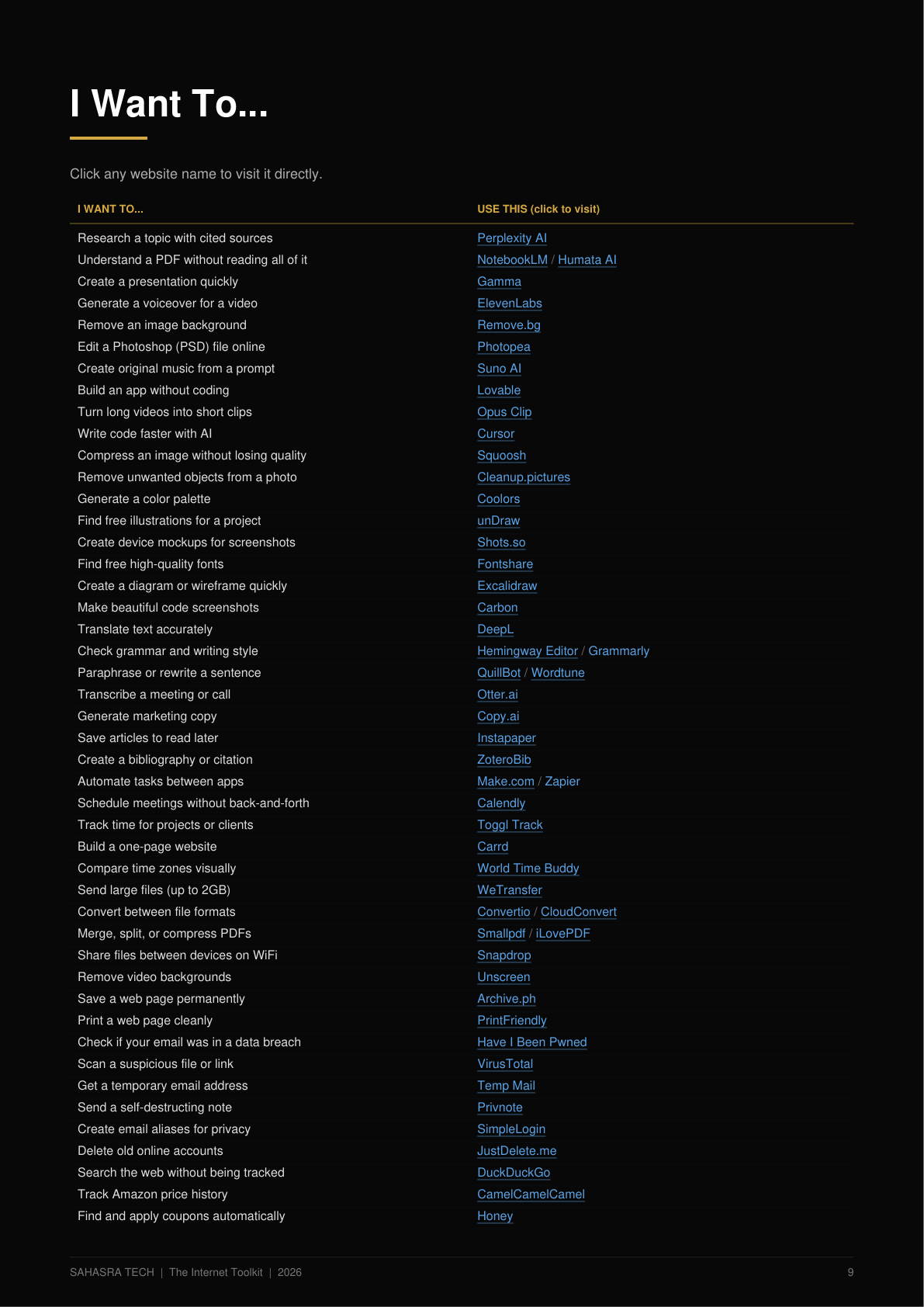
The book is organized around real problems, not just website names. Look up what you need — get the right tool instantly.
The book includes 70+ problems mapped to the right website.
Not just developers or AI enthusiasts. This toolkit is useful for anyone who wants to save time, learn faster, create better, or discover useful corners of the web.
Research tools, free courses, citation generators, study aids and academic resources.
Image editing, video tools, AI voice, music creation, presentations and design.
Client management, file sharing, scheduling, invoicing and productivity.
Market research, automation, marketing tools and operational efficiency.
Image editors, color tools, fonts, illustrations, mockups and creative resources.
Code editors, debugging tools, deployment platforms and technical utilities.
Research, productivity, documents, communication and workflow management.
Useful, unusual and fascinating websites that make the internet worth exploring.
No trial. No credit card. No catch.
The book identifies completely free websites separately, so you can immediately find zero-cost tools without wading through freemium options.
This isn't a book you read once and forget. It's a reference toolkit you keep open on your desk, tablet, or phone — and come back to every time you need the right website for a task.
You don't need to remember all 100 websites. Just remember where your toolkit is.
Sahasra Tech creates practical technology content, tools and resources designed to help people make better use of technology in everyday life.
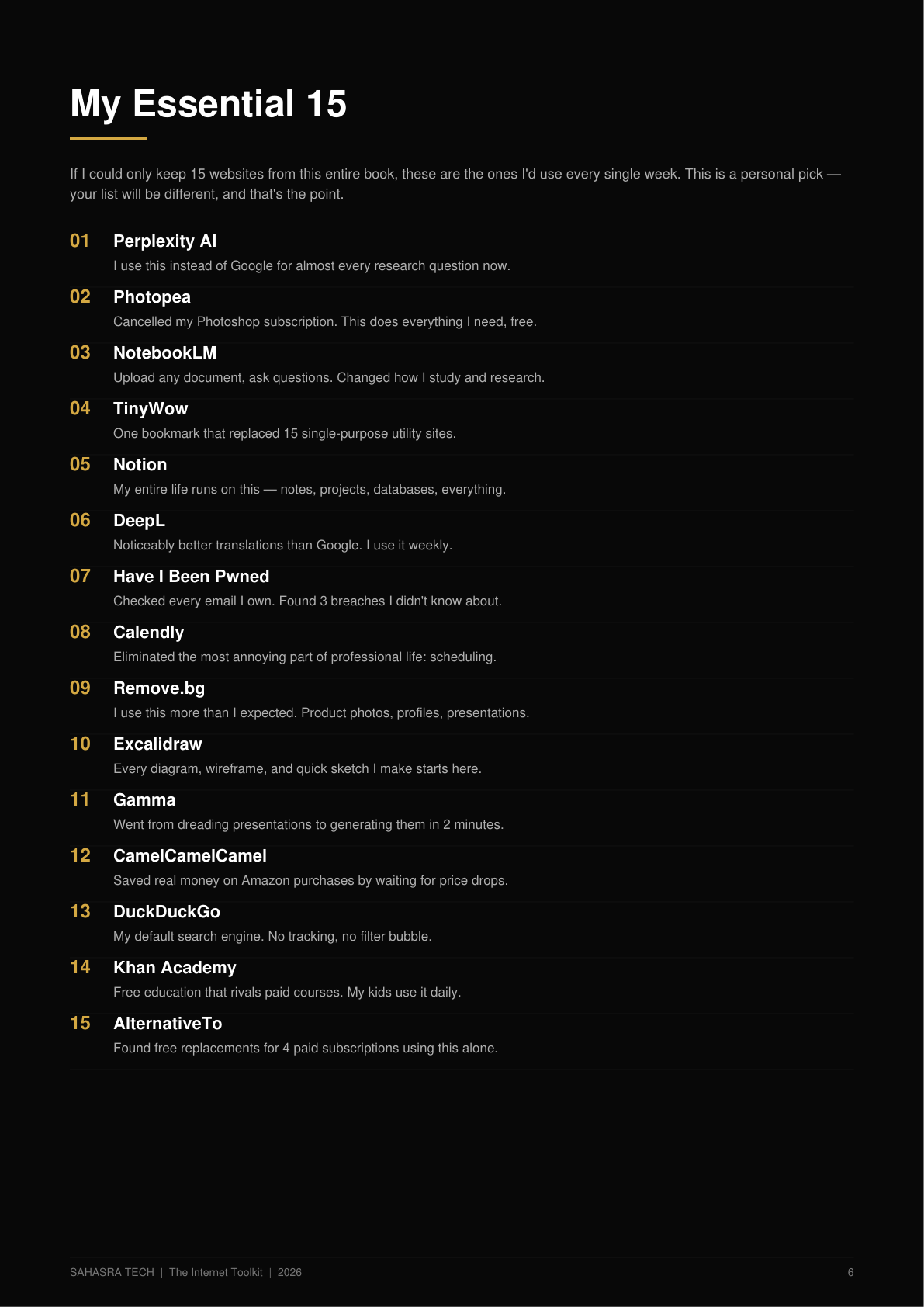
A digital PDF eBook containing 100 curated websites with practical information including how to use them, pricing, limitations, alternatives, pro tips and real-world examples.
No. It is a digital PDF.
After successful payment, you receive access to download the eBook through the purchase platform. Delivery is digital and typically instant.
No. 52 of the 100 websites are completely free. Others may have free tiers, freemium access or paid plans. Pricing and limitations are explained for every website in the eBook.
Yes. The eBook includes practical explanations and step-by-step guidance for every website.
No. It is designed for students, creators, freelancers, business owners, designers, developers, professionals and everyday internet users.
No. It is a one-time purchase. Pay once, keep the PDF forever.
No. Websites, features and pricing can change over time. The information in this edition was verified in August 2026. We recommend checking official websites for current details when making decisions.
Yes. It is a standard PDF that works on any device with a PDF reader — phone, tablet, laptop or desktop.
Yes. Every website includes a clickable direct link and a QR code for quick mobile access.
Stop spending hours searching for tools. Get the Internet Toolkit and start using websites that are actually worth knowing.
Digital PDF • Delivered after purchase • Read on any device